1. Define equipment and locations
Share an asset list, estimated quantities and collection addresses. Identify the person responsible for each location and flag special handling requirements.

Rapid Solutions International
An employee leaves. Their accounts are closed, but the company laptop is still at home. Until the device is received, checked and assigned an approved next step, the equipment return remains incomplete.
Why it matters
ITAD for remote offices helps businesses collect retired equipment, protect stored information and decide what can be reused, sold or recycled. It connects remote employees, branch offices and central IT teams through an agreed asset return process.
At Rapid Solutions International, we provide IT asset disposition services, data destruction and asset recovery. For distributed teams, we confirm collection arrangements, processing locations and reporting requirements before work begins.
Defined process
ITAD for remote offices closes the gap between taking equipment out of use and confirming its final outcome.
At a central office, IT staff can collect a laptop directly. Remote returns involve more people and more handovers. An employee may keep an old device after receiving a replacement. A small branch may store unused computers without updating the asset register. A courier delivery may arrive with fewer devices than expected.
A defined return process tracks each asset through separate stages: return requested, collected, received, reconciled and processed. Courier tracking records the shipment’s progress, while intake checks confirm the identity and quantity of the devices received against the expected asset list.
A shipping label proves that someone arranged a return. It does not prove that the correct laptop arrived or that its data was sanitized. Successful delivery of a package alone does not confirm the identity or completeness of the equipment inside.
Challenges
A workable service must account for the differences between locations, equipment and employee availability.
| Remote office challenge | Practical response | Record to keep |
|---|---|---|
| Devices spread across homes and branches | Confirm locations, contacts and an approved collection route | Asset return list |
| Employees unsure how to return equipment | Provide clear packing and handover instructions | Return instructions and collection confirmation |
| Returned equipment differs from the list | Compare received devices with expected serial numbers | Intake record and discrepancy log |
| Collection fails or a package arrives damaged | Record the exception, assign responsibility and agree the next action | Collection exception or receipt-condition record |
| Sensitive data remains on retired storage | Select and verify an appropriate sanitization method | Wiping results or destruction records |
| Working equipment sits unused | Assess condition and permitted reuse or resale options | Test results and recovery assessment |
| Small returns create repeated transport costs | Consider consolidation where security and timing allow | Agreed collection schedule |
ITAD for remote offices works best when these details are settled before employees begin packing. Otherwise, the central IT team can spend more time chasing missing information than managing the retirement itself.
Services
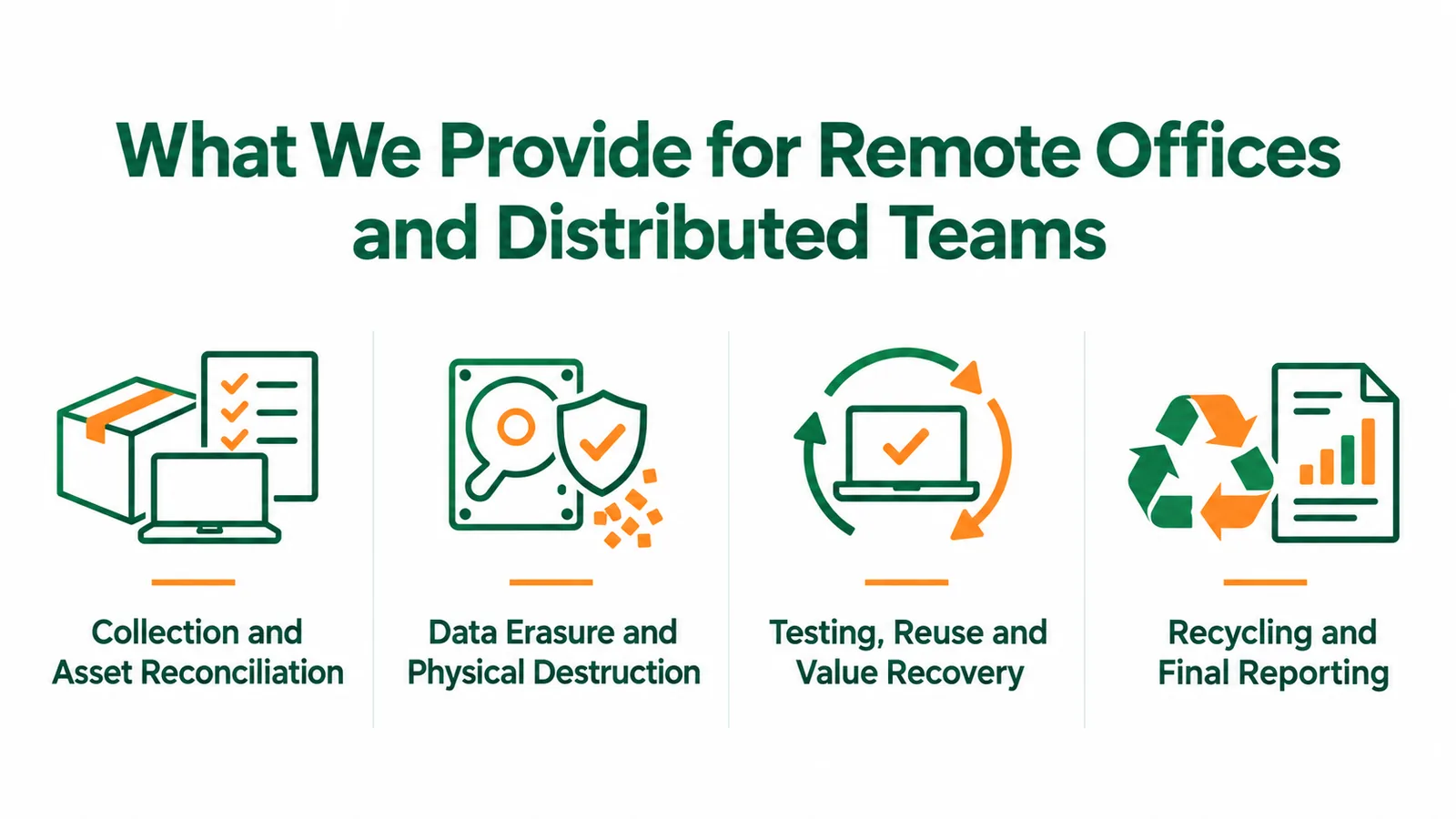
We combine collection, data treatment and recovery services around the requirements of your project. Our services include documented asset handling, data wiping, physical destruction, testing, repair, remarketing and recycling.
Individual employee collections and branch pickups are confirmed by location, device quantity, packing requirements and available collection arrangements. Packing, labeling, serial recording and intake checks help connect the devices leaving your offices with those received for processing.
Include monitors, docks and power adapters in the return instructions where needed. They may not need the same data treatment as a laptop, but missing accessories can affect reuse and recovery value.
We offer secure data destruction, including erasure, shredding and other physical destruction methods. On-site, off-site and witnessed services are available within an agreed scope.
A device that cannot power on still needs a data handling decision. An attempted wipe should not count as a successful result without verification.
We assess suitable equipment for testing, repair, refurbishment, buyback or remarketing after the required data treatment. Destruction may be necessary for a storage device without making the entire computer unsuitable for reuse.
We arrange recycling for equipment that has no suitable reuse route and provide reporting within the agreed project scope — including asset reports, wiping results, destruction certificates and recovery information.
Our process
We agree on the project requirements before collection so your team knows what to prepare and what records to expect.
Share an asset list, estimated quantities and collection addresses. Identify the person responsible for each location and flag special handling requirements.
Confirm packing, timing and handover records. Before approving sanitisation or destruction, confirm required information remains accessible and retention requirements are resolved.
Match received equipment against the expected list. Keep missing items, extra devices and serial-number differences visible until someone resolves them.
Carry out the agreed data treatment and assess eligible equipment for recovery. Keep exceptions separate from completed items.
Compare final reports with your asset register before closing. Keep unresolved exceptions open, with an assigned owner and agreed next action.
Employee departures, laptop refreshes across branches, small-office closures, lease returns, acquisitions, or a backlog of unused devices.
Why Rapid Solutions
We coordinate collection, data treatment, asset reporting and recovery options within an agreed project scope. Before work begins, we confirm the processing location, reporting requirements and permitted disposition routes with your team.
You can review our certification documents during supplier approval. Our Rapid Drive 2.5.0 software also holds ADISA Product Assurance certification.
Next step
Effective ITAD for remote offices gives each retired device a clear route: collection, data treatment and an approved final outcome. It also leaves your team with records that match the equipment you handed over.
Send us your equipment list, collection locations and preferred schedule. We will review the scope with you and confirm the service options and reporting requirements.
FAQs
Personally owned equipment needs separate authorization. Identify ownership before including a device in a company collection. Your IT team should define how business information and personal files will be handled before approving any erasure or destruction.
Coordinate their removal with your IT team and the agreed processing stage. These controls can prevent testing or redeployment. Do not remove protective controls early simply to make a return easier.
Identify leased assets separately and provide the return conditions. Your organization must confirm which actions it can authorize before any repair, resale or destruction takes place.
Costs depend on collection locations, device quantities, packing needs, data treatment and reporting detail. Equipment with resale value may offset some costs after assessment. Share your asset list and locations so we can prepare a project-specific quotation.
Rapid Solutions International helps distributed teams collect retired devices, protect stored information, and document reuse, resale or recycling — across homes, branches and central IT.
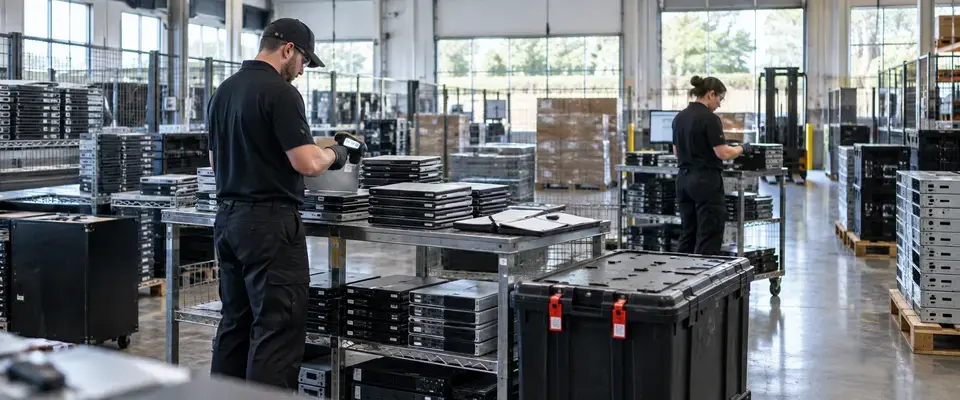
Banking & Financial Services
A regional bank turned retired IT equipment from a compliance liability into a fully audited, value-generating recovery program within 14 days.
View Detail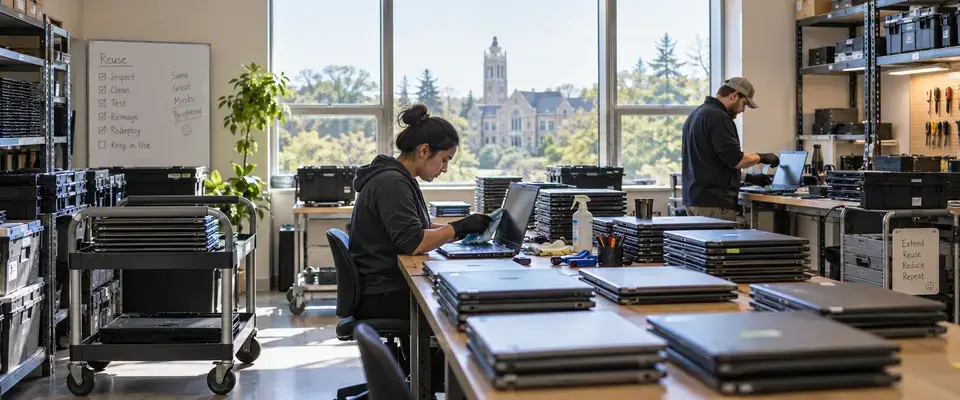
Higher Education
A private university refreshed IT assets across nine campus collection points while keeping 79% of devices in productive use.
View Detail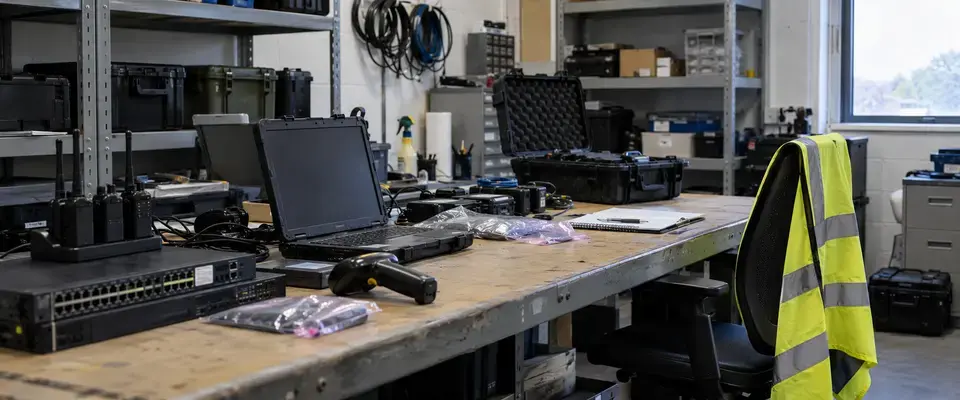
Aviation
An aviation operator retired 4,100 IT assets across four sites with 99% reuse recovery and full data protection.
View Detail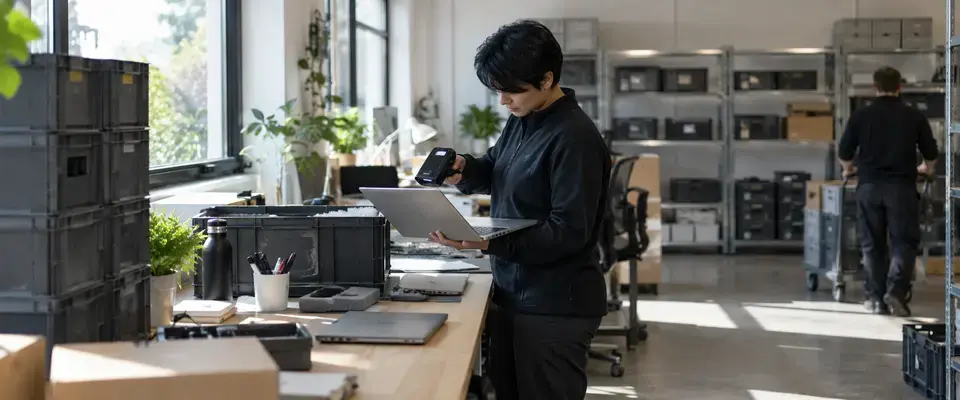
Consulting & Professional Services
A distributed consulting firm recovered 96% of returned laptops for redeployment across 14 collection points.
View Detail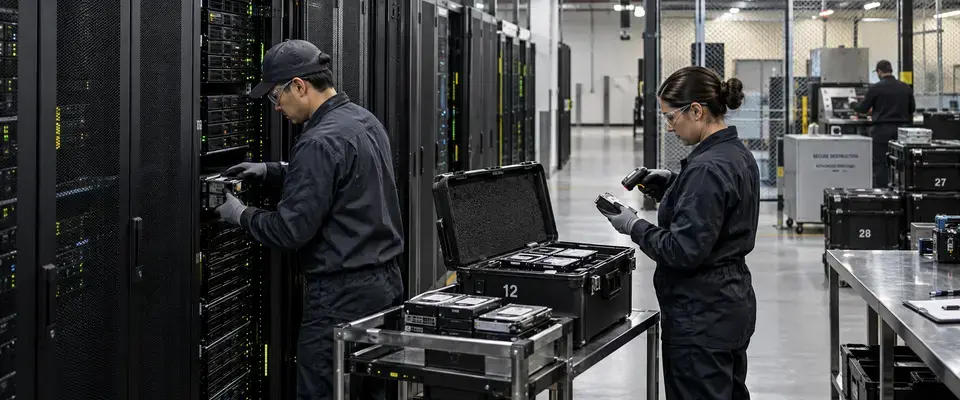
Data Center & Infrastructure
A data center operator processed 5,220 storage media items in 15 days with verified chain of custody.
View Detail