Protect information left on retired devices
Choose data erasure or physical destruction based on the storage media and your firm’s requirements. On-site and off-site options help accommodate different handling restrictions.

Rapid Solutions International
Protect client confidentiality when retiring legal technology — with controlled collection, verified data treatment, documented chain of custody, and clear project evidence.
Why it matters
Your clients trust your firm with information that can affect their businesses, finances, and personal lives. That trust extends to how you handle the computers and storage devices that hold their records, including equipment your team no longer uses.
ITAD for law firms gives your practice a controlled way to retire technology while protecting confidential information. The process should answer three practical questions: what can leave the firm, how will its data be treated, and what evidence will confirm the work?
Legal risk
Retired equipment can retain client files long after staff stop using it. Copies may remain outside your case management system, on local drives, removable media, or office devices.
ITAD for law firms addresses this risk through controlled handling and appropriate data treatment. A sale or recycling receipt alone does not establish that confidential information has been removed.
Coverage
Include all equipment leaving the office, including loose drives and older backups. Check each device’s storage configuration; capabilities vary by model.
| Equipment | What to check before release | Disposal planning priority |
|---|---|---|
| Laptops and desktops | Local case files, email archives, installed drives, and device ownership | Approve retention, then select and verify the sanitization method |
| Servers and storage systems | Shared folders, databases, backup copies, and all installed media | Confirm migration and identify each drive or storage component |
| External drives, USB devices, and backup tapes | Unlabelled media, historic files, and duplicate backups | Identify ownership and retention requirements before treatment |
| Phones and tablets | Local documents, account access, device management, and removable storage | Agree device-specific sanitization and account removal |
| Printers, copiers, and scanners | Internal drives, stored scans, address books, and lease terms | Check storage and obtain owner approval for the agreed treatment |
| Network equipment | Saved configurations, credentials, and any internal storage | Review the model and remove sensitive configuration data appropriately |
| Monitors and peripherals | Asset ownership, condition, and possible reuse | Assess reuse or recycling; inspect unusual models for storage |
Rapid Solutions supports the disposal of office and enterprise IT assets. Share your inventory to confirm the equipment covered by your project.
Before collection
Your firm should authorise disposal only after resolving its record retention and preservation requirements. For ITAD for solicitors and projects involving justice system organisations, flag evidence-related devices and restricted assets at the outset.
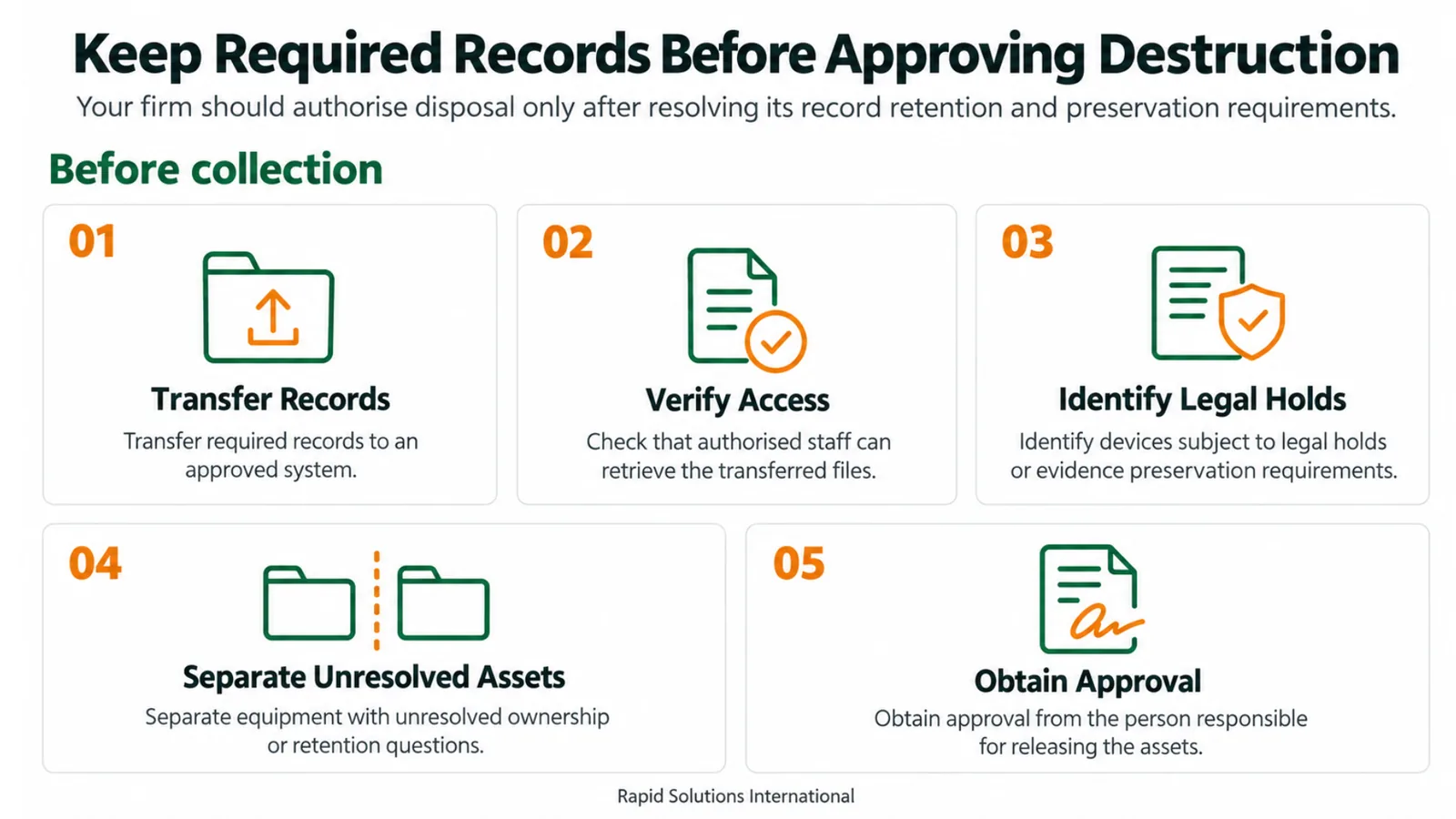
Before collection, your firm should:
For example, a replaced laptop may still contain the only accessible copy of an older matter folder. Preserve that file before releasing the device.
Data treatment
Rapid Solutions offers on-site and off-site data treatment. The choice depends on the storage technology, its condition, and your firm’s security requirements. Discuss location restrictions and witnessing needs when requesting the service.
Remove data through a suitable sanitization process and verify the result, allowing eligible equipment to remain useful.
Best suited to: Working media approved for reuse, subject to successful sanitization.
Physically destroy storage media using a process suited to the medium and your firm’s requirements.
Best suited to: Media that cannot be reliably sanitized or that your approved policy requires you to destroy.
The method must match the storage technology. Degaussing applies to suitable magnetic media; it does not sanitize an SSD’s flash memory. A failed process needs an agreed alternative and a documented outcome.
Accountability
A clear chain of custody shows who handled your equipment and what happened to it. Rapid Solutions provides asset serialization and detailed reporting; specify the report fields your team needs in the project scope.
Before pickup, agree the asset list, authorised contacts, and handover procedure. Record quantities and identifiers, and establish how the team will handle loose media or unreadable serial numbers.
At project close, request documentation that connects the collected assets to their final outcomes:
Value & sustainability
Rapid Solutions’ IT remarketing service evaluates, tests, refurbishes, and resells suitable equipment after secure data treatment. Assets unsuitable for reuse can follow a responsible recycling route.
Potential financial return depends on equipment age and condition, current resale demand, and data treatment, refurbishment, and transport costs. The proposal should set out the valuation basis, charges, and payment terms.
For sustainability reporting, distinguish equipment reused from equipment recycled. Report carbon savings only when a defined calculation method and supporting evidence are available.
Why Rapid Solutions
Retiring office technology takes time your IT team also needs for daily support and new projects. We help your firm organise collection, secure data treatment, and the next step for each asset.
Choose data erasure or physical destruction based on the storage media and your firm’s requirements. On-site and off-site options help accommodate different handling restrictions.
A technology upgrade can leave working devices your firm no longer needs. Remarketing includes evaluation, testing, refurbishment, and resale for eligible equipment.
Make disposal decisions with a clearer view of potential returns. Value recovery assesses retired equipment, with the proposal setting out valuation, processing costs, and payment terms.
UAE focus
For law firms in the UAE, retiring IT equipment requires coordination between IT teams, records managers, and those authorised to release assets. Clear instructions help ensure confidential devices receive the agreed treatment and required records remain accessible.
Rapid Solutions International helps your firm define the collection scope, choose suitable data treatment, and agree the documentation needed to close the project. Share any site access requirements, collection restrictions, and internal approval procedures so these can be included in your ITAD plan.
Next step
Our UAE-based team can discuss a one-off office clearance or planned equipment refresh with your firm. Send an equipment list, collection location, preferred schedule, and any handling restrictions to request an ITAD proposal.
FAQs
Check the lease and obtain the owner’s approval first. Your firm may have permission to return the device but no authority to sell it or destroy its storage. Agree the data treatment and return condition with the lessor.
An initial quote should generally need equipment information rather than client documents. Share quantities, models, storage types, locations, and handling restrictions. Do not include confidential matter content in an inventory sent for pricing.
No. Hardware disposal does not close cloud accounts or remove files held by an online service. Your IT team should manage account access, sessions, licences, and cloud retention separately.
Rapid Solutions International helps law firms plan secure ITAD — from inventory and collection through verified data treatment, reporting, and responsible reuse or recycling.
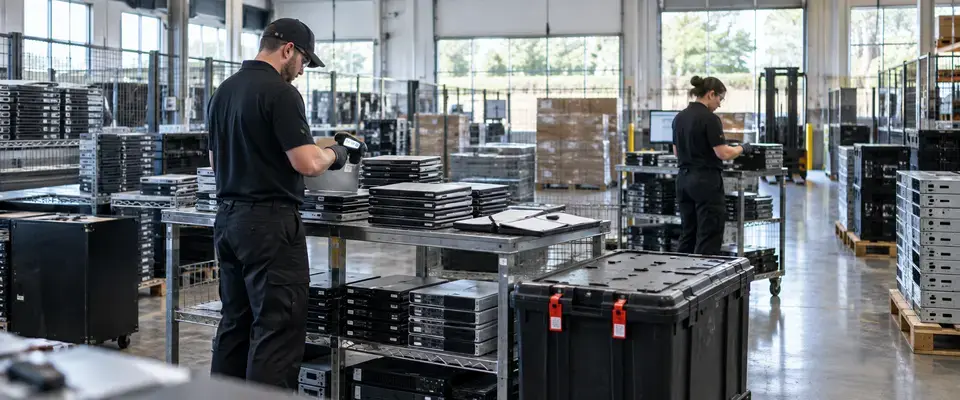
Banking & Financial Services
A regional bank turned retired IT equipment from a compliance liability into a fully audited, value-generating recovery program within 14 days.
View Detail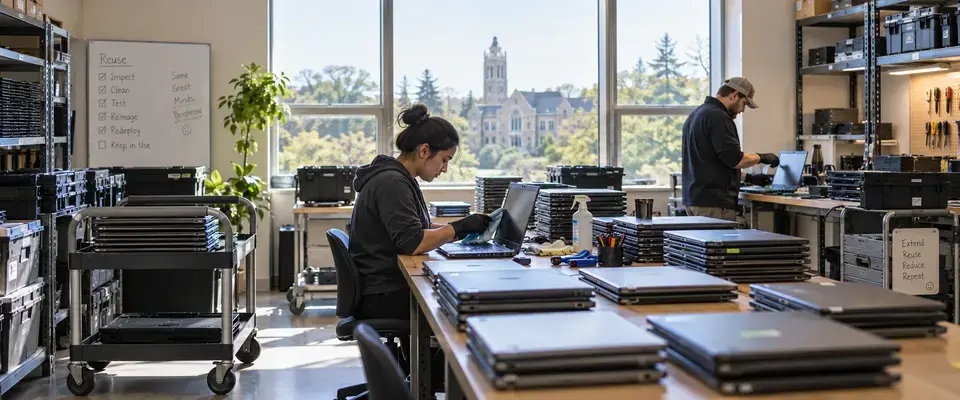
Higher Education
A private university refreshed IT assets across nine campus collection points while keeping 79% of devices in productive use.
View Detail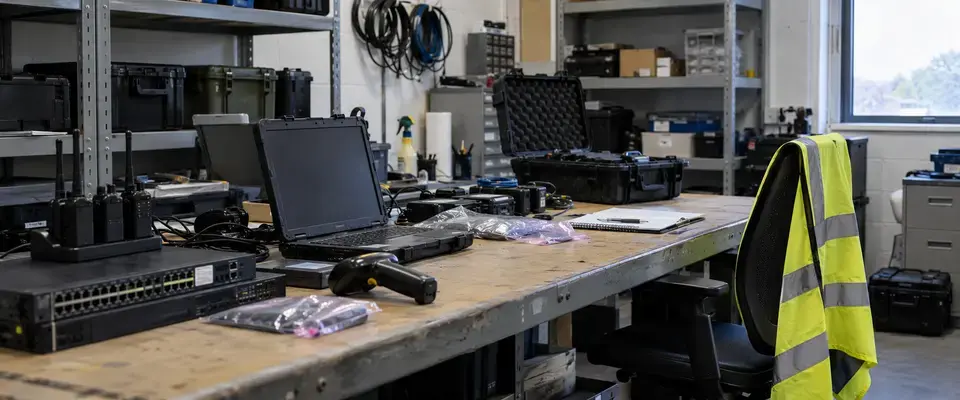
Aviation
An aviation operator retired 4,100 IT assets across four sites with 99% reuse recovery and full data protection.
View Detail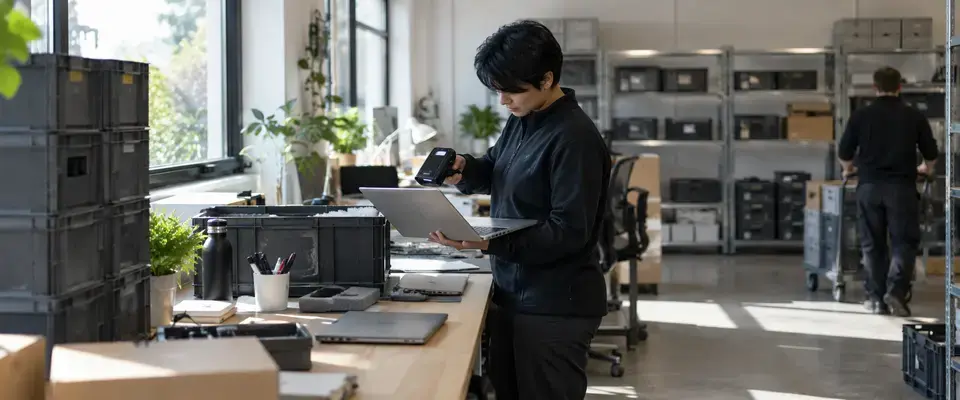
Consulting & Professional Services
A distributed consulting firm recovered 96% of returned laptops for redeployment across 14 collection points.
View Detail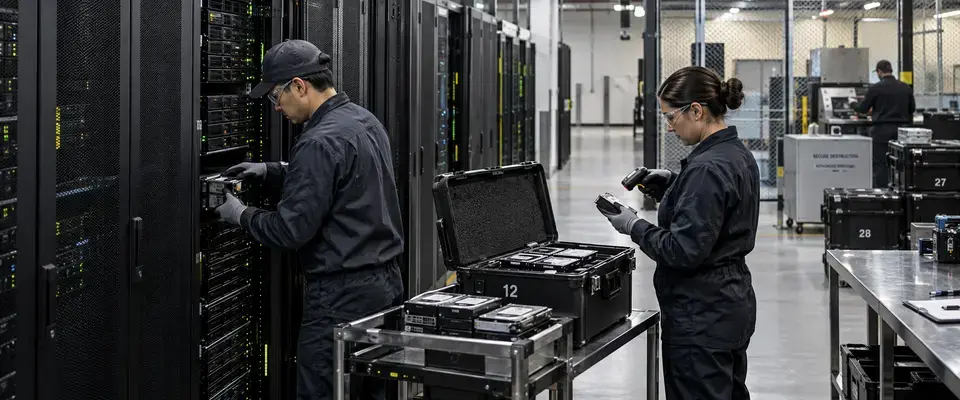
Data Center & Infrastructure
A data center operator processed 5,220 storage media items in 15 days with verified chain of custody.
View Detail