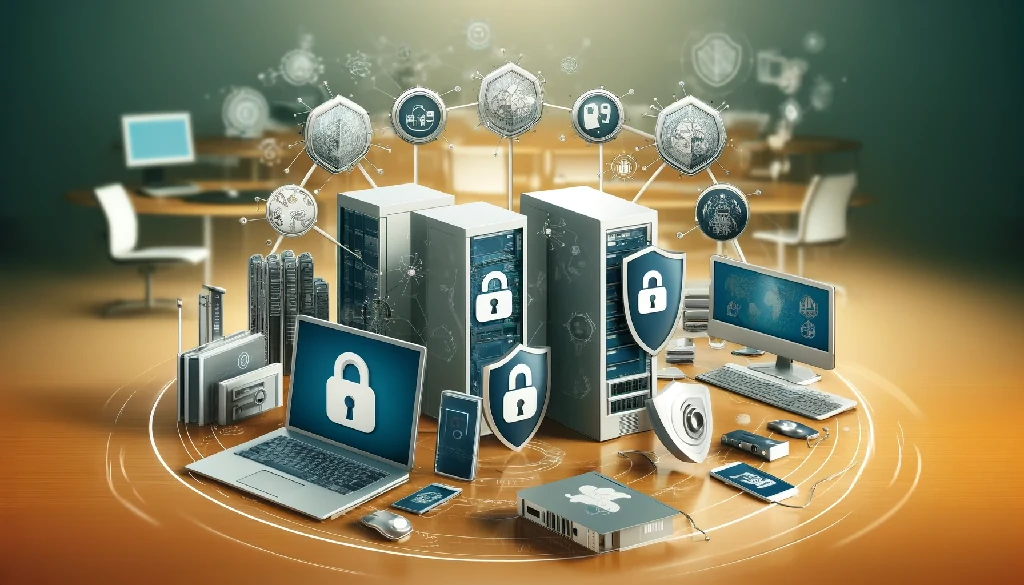
How to securely recycle enterprise computers
How to Safely Recycle Enterprise Computers
As technology evolves and businesses change, responsible management of retired or obsolete enterprise computers has become an integral part of IT asset management. Securing computer recycling means much more than just disposing of them; it means protecting sensitive data, minimizing environmental impact, and adhering to regulatory compliances.
This blog provides the best practices for secure enterprise computer recycling and thus extends a step-by-step guide to ensure responsible and secure recycling.
our industries: Defence ITAD Services
The Importance of Secure Recycling
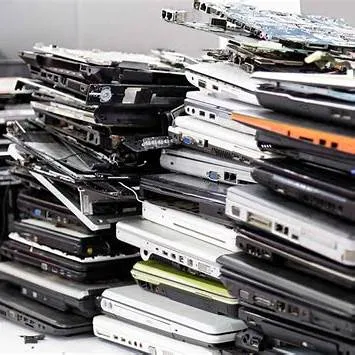
When dealing with the secure disposal of old computers, one must consider more than just tossing them out. Improper computer disposal can release harmful materials like mercury and lead into the soil and water.
When you choose secure computer recycling, you keep dangerous e-waste out of landfills and help protect the environment.
Protection of Sensitive Data
One of the major concerns in the recycling of enterprise computers is the protection of sensitive and confidential data. Computers contain critical information about customers, financial information, and other proprietary information belonging to the enterprise. If this information is not handled properly, it may lead to exposure and recovery of the same by unauthorized parties, and thus potential breaches in data security and compliance standards.
our service: Electronics Recycling
Environmental Responsibility
Beyond data security, secure computer recycling is essential for environmental sustainability. Electronic waste (e-waste) is one of the fastest-growing waste streams globally. In 2019 alone, over 53.6 million metric tons of e-waste were generated worldwide, and that number keeps rising.
Computers and other electronics contain precious metals like lead, mercury, cadmium, arsenic, and lithium in batteries. It can leach into soil and water if dumped in landfills. Improper disposal of electronics can cause toxic pollution, harm wildlife, and even contaminate drinking water.
However, certified and credible e-waste recycling companies are able to safely handle hazardous components and extract reusable materials (plastics, glass, gold, copper, etc.) for manufacturing new products. In fact, up to 98% of a computer’s components can often be recycled or repurposed
Regulatory Compliance
There is the need for compliance with major regulations such as GDPR, HIPAA, and many other data protection laws; many of these require specific organizations to safely dispose of electronic devices and ensure that no sensitive data can be retrieved from them, even after being disposed of.
Other articles: Why Businesses Should Recycle Enterprise Devices
Financial Recovery (Short & Simple Version)
Working with certified e-waste recyclers can help your business get some money back from old IT equipment. Instead of treating retired devices as waste, a good recycler can evaluate them, reuse valuable parts, or resell items that still have life left.
This can turn outdated hardware into added income. Many professional recyclers also offer dashboards or reporting tools so you can track how much material was recovered and how your recycling efforts are performing over time.
Brand Reputation (Short & Simple Version)
Choosing responsible e-waste disposal shows that your company cares about social and environmental responsibility. This helps build trust with customers, partners, and the public. Companies that follow sustainable practices often have a stronger image because they show they are committed to doing the right thing. These efforts can also support your overall corporate goals and make your organization look more reliable and forward-thinking.
ESG & Sustainability Tracking (Short & Simple Version)
Some recycling companies provide detailed reports that help you understand your environmental impact. This information can help your organization improve its ESG performance, which many investors and stakeholders pay close attention to. Clear data about recycling, waste reduction, and responsible disposal makes it easier to show progress and meet sustainability targets.
How to Dispose of a PC Securely? (Step-by-Step)
When it’s time to retire an old desktop or laptop, follow these steps for a secure recycling of enterprise computers process:
1. Assess and Categorize Computers
The computers need to be assessed for their model, type, and condition before the recycling process starts. This needs to be done so that there is proper planning for the right way of recycling each device correctly, including sensitive data that might be stored in them. Use ITAM tools for gathering and categorizing information about your devices.
2. Data Sanitization
Data Wiping: Utilize data wiping software, which securely overwrites data with random patterns multiple times. This prevents the recoverability of the data originally recorded on the media. Ensure the wiping software meets industry standards, such as standards led by the National Institute of Standards and Technology (NIST).
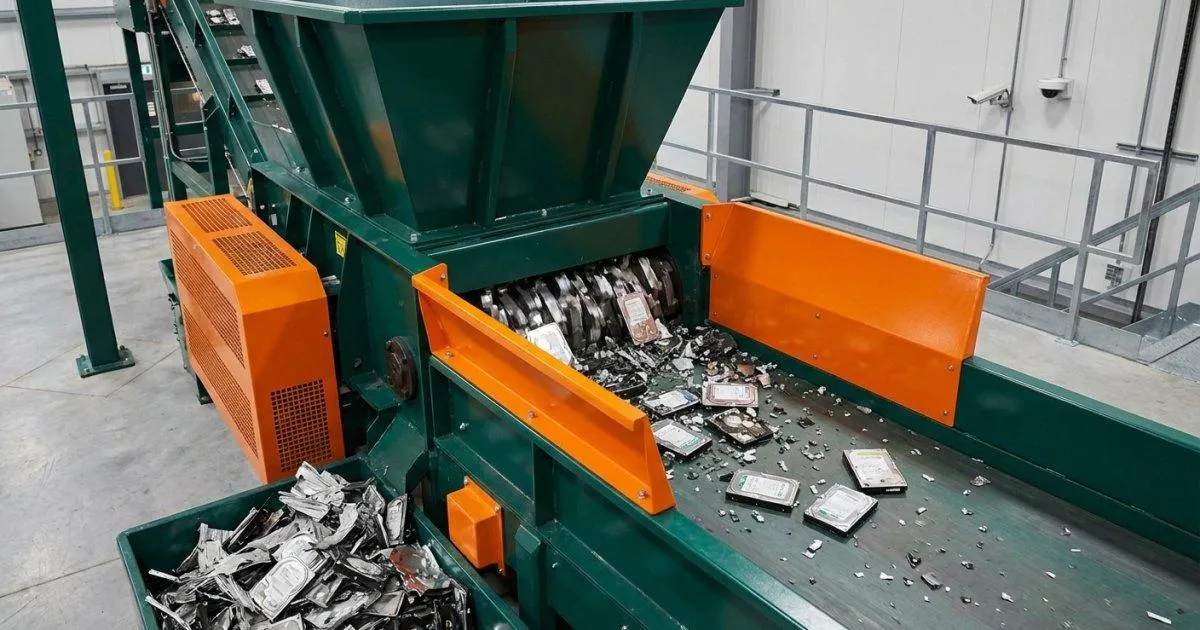
Physical Destruction: In the case of very sensitive information, or in those cases where wiping is not possible, the methods of destruction are: shredding, crushing, and degaussing. Physical destruction requires the information not to be recovered or accessed in any form.
3. Choose a Certified Recycling Partner
Partner with a certified e-waste recycling provider to ensure that the recycling process meets industry standards for security and environmental responsibility. Look for certifications including:
NAID (National Association for Information Destruction): It ensures strict standards concerning data destruction and security.
R2 (Responsible Recycling): This deals with responsible recycling and provides environmental protection.
E-Stewards: Certifies recyclers to ensure high standards for data security, environmental protection, and ethical practices in every processing transaction.
4. Verify Proper Disposal
Obtain proof of secure disposal from the recycling partner including the following:
Certificates of Destruction: Confirm that the data is actually destroyed in a compliant style and that equipment has been correctly recycled.
Audit Trails: This would keep records of the process of recycling, the type of equipment that is being recycled, methods used, and their point of final disposal.
5. Environmental Consideration
Resource Recovery: The intrinsic value of materials such as metals, plastics, and glass be regained and recycled to lessen the consumption of primary raw materials and reduce the environmental impacts of extraction and processing.
Hazardous Material Management: Each hazardous material, such as batteries and fluorescent bulbs, must be managed upon its expiration according to guidelines on safe disposal and handling. This makes sure that such materials are disposed of or taken care of by specialist facilities that have the capacity to handle them.
6. Internal Procedures and Training
Training Programs: Train the staff on best practices in maintaining data management and secure recycling of enterprise computers. Regular training mitigates the occurrence of errors, and precautionary measures are consistently taken to avoid any security breaches.
Internal Policy: Develop policies on staff responsibilities and how the organization is going to manage the electronic technologies for recycling. Update the policies from time to time as regulations and technology continue changing.
Benefits of Securely Recycling Enterprise Computers
Enhanced Data Security
Secure recycling ensures sensitive data is removed irretrievably, thereby reducing the risk of data breaches and ruining organizational reputation. Business companies can protect against unauthorized access, which has possible legal liabilities, once proper methods for sanitization and destruction of the data are put in place.
Environmental Impact Reduction
Proper recycling reduces the environmental impact of WEEE, manages hazardous materials, and recovers valuable resources. It contributes to a circular economy and enables sustainable practices.
Regulatory Compliance
Thus, compliance with data protection regulations and environmental standards averts fines and possible cases filed against the organization in court. Security recycling practices show compliance and corporate responsibility.
Conclusion
Secure enterprise computer recycling is becoming one of the most important concerns for responsible IT asset management. Best practices in data sanitization plus the selection of suitable certified recycling partners are the preconditions that guarantee organizations securely and ecologically recycle. Protection of sensitive data, reducing environmental impact, and following regulatory compliance issues are necessary components of a successful strategy in handling recyclable materials.
FAQs
How Much Does Secure Computer Disposal Cost?
It depends on how many devices you have and the type of service. Most secure laptop disposal services charge around $10–$50 per device. Hard-drive shredding or extra data-destruction steps may cost more.
What Is a Certified Computer Disposal Service and Why Do I Need One?
A certified service follows strict rules for data destruction and safe recycling. They wipe or destroy your data and recycle your computer the right way. You also get a proof-of-destruction report for peace of mind and compliance.
Should I Remove the Hard Drive Before Recycling a Computer?
Many people choose to. Removing the hard drive keeps your data safe until it’s destroyed. You can destroy it yourself or let a certified service handle it. If you keep it in the computer, make sure the recycler guarantees secure wiping.

Ask an Expert
Call us 24/7 or submit the form below to speak with one of our specialists.
All fields required
_result_result.webp)
.png)