Should I Destroy My Laptop Before Recycling?
Should I Destroy My Laptop Before Recycling?
Many retired devices, including laptops, contain sensitive personal data. So the question “should I destroy my laptop before recycling?” is both a data-security and an environmental concern.
Studies show that simply erasing or factory-resetting a computer often isn’t enough. Many people worry about their personal data and what happens to their old device once it’s out of their hands.
This guide walks through the full answer with both data privacy and sustainability on the line. We’ll cover why protecting your information matters, and how to wipe or destroy drives safely. Let’s buckle it up!
our services: itad services
.webp)
How Can I Recycle My Old Computer?
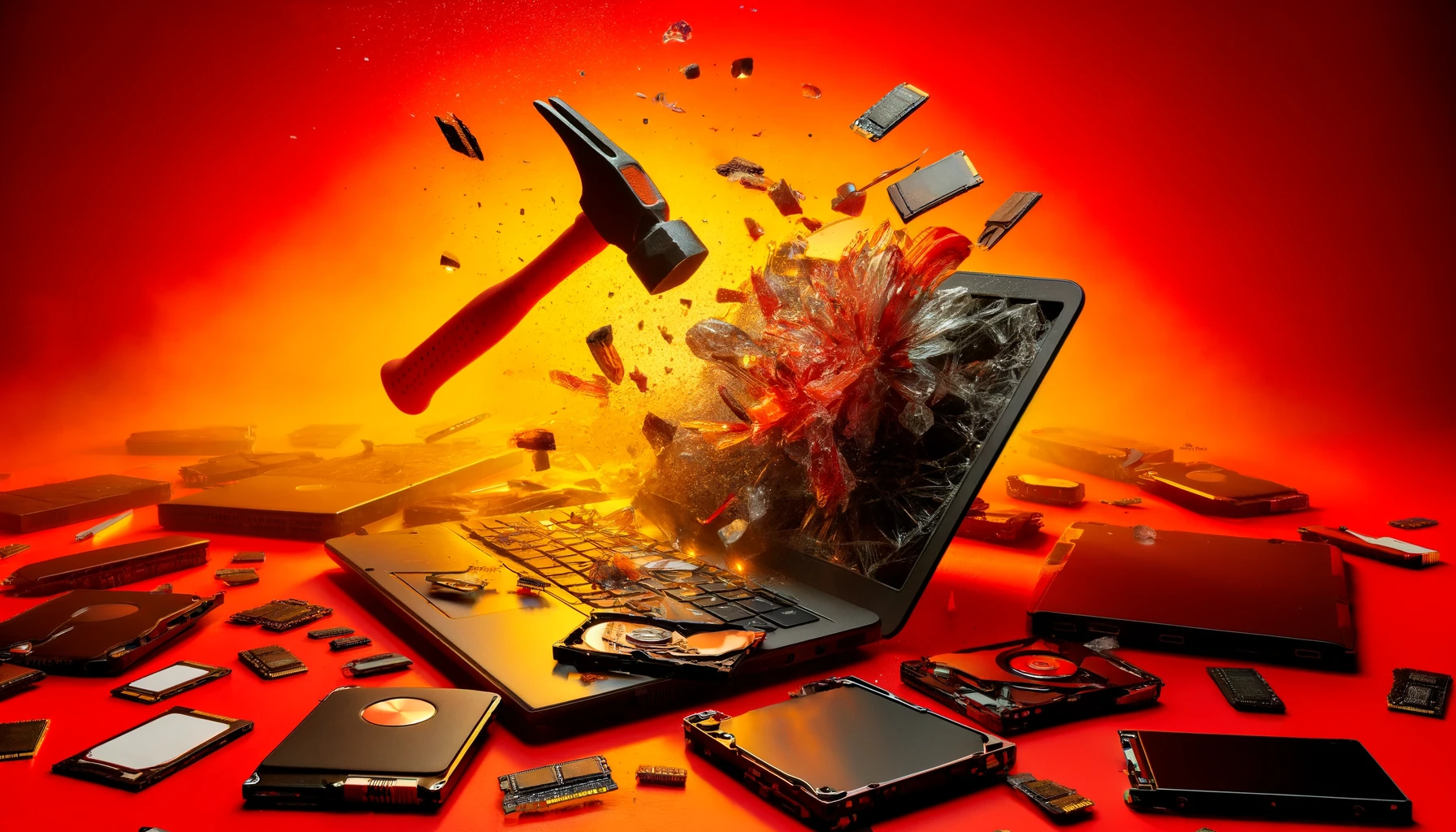
Many people ask, “Should I destroy my laptop before recycling?” out of concern for identity theft and data breaches. The straight answer is: Not necessarily the whole laptop, but you should destroy or securely wipe the hard drive before recycling it.
If your computer still works, consider donating it to someone who can use it.
read more: how much gold is used in electronics
Preparing Your Laptop for Recycling: Step by Step
The hard drive stores all your personal data, so simply deleting files or doing a basic factory reset isn’t enough. To protect your information, use a data-wiping tool or physically destroy the drive by drilling holes or shredding it.
After that, you can safely take the rest of the laptop to a certified recycler like us, which ensures eco-friendly disposal and offers data destruction certificates for peace of mind.
read more : recycling technologies
Here is all the steps you must apply to recycle your old devices:
_result.webp)
our industries: Healthcare ITAD Services
1. Back Up Your Data
Save your important files, like photos, documents, and videos, to an external drive or cloud storage. This keeps your data safe before you erase or destroy anything.
read more: itad vs e-waste recycling
2. Sign Out of All Accounts
Log out of your email, social media, and software accounts (like iTunes or Adobe). This prevents anyone from accessing your personal info later.
3. Wipe the Hard Drive
Use a secure wiping tool to erase all data. On Windows, choose “Remove everything and clean the drive.” On Mac, use Disk Utility or reinstall macOS with the erase option. For extra security, overwrite the disk at least once.
read more: factors affecting laptop resale value
4. Physically Destroy the Drive (Recommended)
After wiping, remove the hard drive or SSD and destroy it, drill holes through it, bend it, or smash it. If you’d rather not do it yourself, we can securely shred or crush the drive for you. They specialize in safe data destruction and recycling.
read more: what to do with old cell phones
5. Verify and Record Destruction
If you used a professional service, ask for a certificate of data destruction. We provide this for every job, confirming your data was permanently erased. Businesses especially benefit from this proof for data privacy compliance.
6. Recycle or Donate the Rest
Take the remaining laptop parts to a certified recycler or donate it if it’s still usable. Many programs, including manufacturer take-back schemes, ensure parts are recycled safely. We also partner with such programs to handle laptops responsibly and prevent environmental harm.
our services: it asset recovery
When Should You Destroy a Laptop Before Recycling?
Destroying your laptop isn’t always required,but the storage drive is what matters. If your device has an SSD, software wiping may leave traces, so it’s safer to remove and crush the drive. For trade-ins or donations, certified recyclers like us can shred or sanitize drives securely.
If your data was already encrypted and the laptop handled only basic tasks, a proper wipe is usually enough.
Use Certified Recycling Services for Safety and Compliance
For businesses and individuals, certified recycling services like our company ensure laptops and devices are safely recycled. They securely erase or physically destroy drives, follow international standards, and provide certificates of destruction for proof. Using these services protects your data, meets privacy regulations, and ensures environmentally responsible disposal. If handling it yourself, backup, wipe, and destroy the drive, then recycle the rest at a trusted facility, never throw electronics in the trash.
read more: benefits of e-waste recycling
Wrapping Things Up
Recycling your laptop doesn’t have to be stressful. The most important step is protecting your personal data by securely wiping or destroying the hard drive. After that, the rest of the laptop — along with batteries and peripherals, can be safely recycled or donated.
Using certified recyclers makes the process easy, secure, and environmentally friendly. By taking these steps, you not only keep your information safe but also help reduce e-waste and give valuable materials a second life. It’s a small effort that makes a big difference for both your privacy and the planet.
FAQs
Is a Factory Reset Enough Before Recycling?
No. A factory reset or OS reinstall often leaves data recoverable. Always use a secure erase or clean wipe option if available, and consider running a data-wiping tool or physically destroying the drive for full protection.
Can I Just Break the Laptop Case and Recycle the Pieces?
No. Damaging the laptop case can make recycling harder. Only remove and destroy the drive; the laptop shell, battery, and circuit board should stay intact for recycling so metals and plastics can be safely recovered.
How Does Recycling My Computer Help the Environment?
Recycling your computer saves resources and keeps hazardous materials out of landfills. Valuable metals and plastics can be recovered and reused, reducing the need for new raw materials. Recycling also prevents harmful substances like lead, mercury, and cadmium from polluting the soil and water.
Can I Recycle Other Computer Peripherals Along With My Old Computer?
Yes. Keyboards, mice, monitors, printers, and speakers can usually be recycled through e-waste programs. These items contain recyclable materials like plastic and metals.
What If My Old Computer Still Works? Can I Donate It Instead of Recycling?
Absolutely. If it’s in good condition, you can donate it to schools, nonprofits, or community centers. Many organizations refurbish old computers so someone else can use them instead of sending them to recycling.
How Do I Know If My Old Computer Can Be Donated?
Check if it powers on and works properly. Consider its age and specs — older computers may not run modern software well. Also, see if there’s a need in your community. If it’s functional and useful to someone else, donation is a good option.
Can I Recycle Laptop Batteries Separately From the Computer?
Yes. Laptop batteries contain hazardous materials and should be recycled separately at a certified e-waste facility.
Should I Destroy the Battery or Screen Too?
No. Batteries and screens contain valuable, recyclable materials and should be recycled intact. Only the data-storage drive needs destruction.

Ask an Expert
Call us 24/7 or submit the form below to speak with one of our specialists.
All fields required
_result.webp)
.png)