How Do I Wipe My Old Hard Drive before Recycling?
How Do I Wipe My Old Hard Drive before Recycling?
Before recycling an old computer, laptop, or storage device, removing your files is not enough. Many people delete documents, empty the recycle bin, or format the drive and assume the data is gone. But deleted information can often remain on a storage device and may be recovered with specialized tools.
The question “How Do I Wipe My Old Hard Drive before Recycling” is important for both individuals and businesses.
According to the National Institute of Standards and Technology (NIST), media sanitization is the process of making stored data inaccessible for a specific level of protection. NIST explains that proper sanitization decisions depend on the sensitivity of the information and the type of storage media being handled.
This guide explains how to wipe an old hard drive before recycling, the difference between deleting and securely erasing data, when software wiping is enough, and when professional data destruction services are the safer option.
read more: Benefits of ITAD Program
Read More: Electronics recycling service
Why Should You Wipe A Hard Drive Before Recycling?
A recycled laptop may contain:
Personal documents
Saved passwords
Business emails
Customer databases
Financial information
Company reports
Browser history
Confidential project files
For companies, this risk is higher because retired equipment may include thousands of storage devices from employees, servers, and data centers.
A secure recycling process should include:
Asset identification
Data sanitization
Verification
Documentation
Final recycling or remarketing
This approach follows the same principles used in professional IT Asset Disposition (ITAD) programs.
What Is The Difference Between Deleting Files And Wiping A Hard Drive?
Deleting files and wiping a hard drive are completely different processes.
When you delete a file, the operating system usually marks that space as available for future use. The original information may still exist until new data replaces it. A secure wipe overwrites the storage area or uses approved sanitization methods to make previous data recovery extremely difficult.
How Do I Wipe My Old Hard Drive Before Recycling?
The correct method depends on the type of drive, the sensitivity of the information, and what happens to the device after wiping.
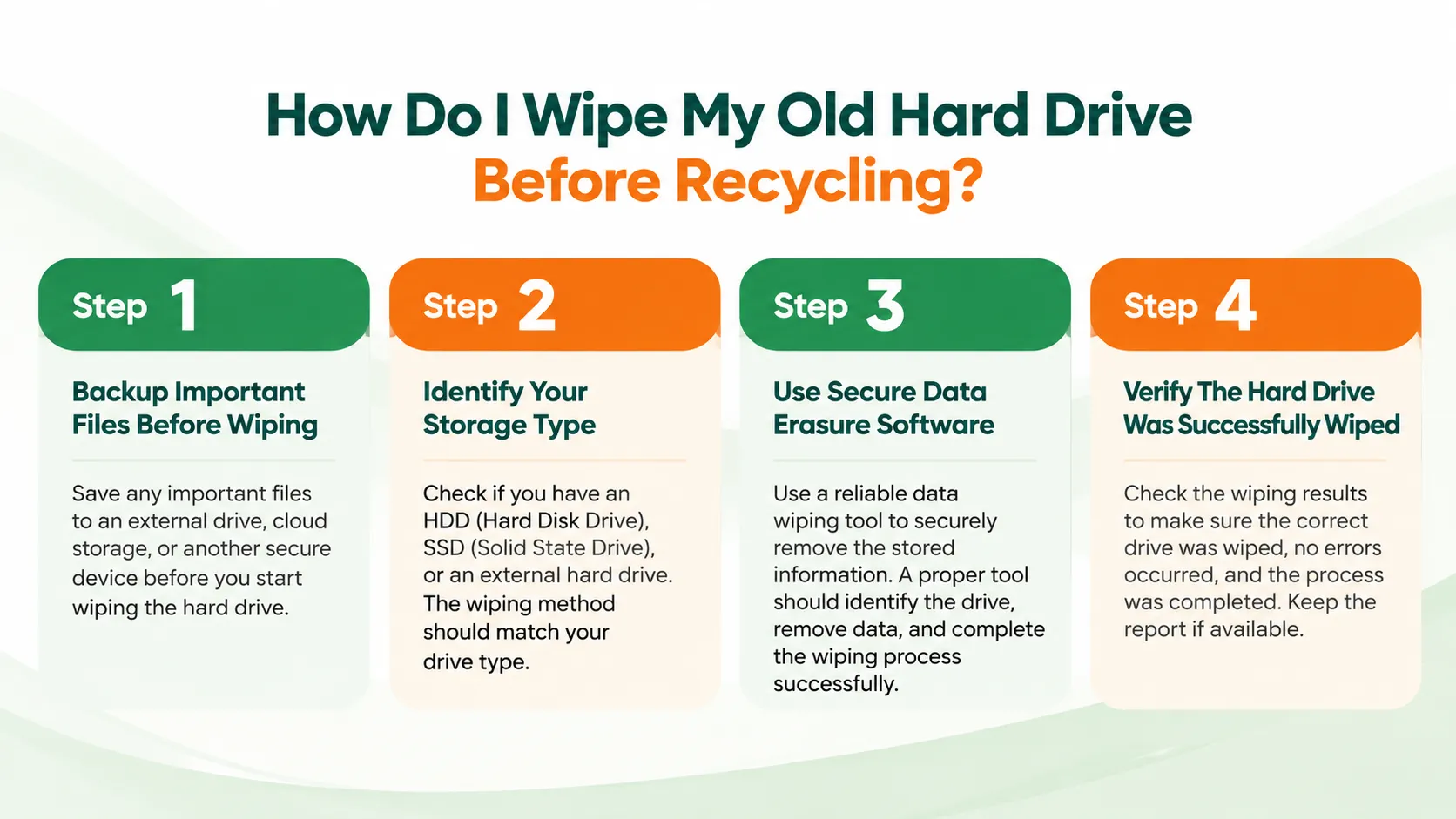
Step 1: Backup Important Files Before Wiping
Before starting the wiping process, check the drive carefully. Move any important files to a secure location, such as:
External storage
Company-approved cloud storage
Another secure computer
After the wipe begins, recovering files becomes extremely difficult or impossible.
Step 2: Identify Your Storage Type
The wiping method depends on whether you have:
HDD (Hard Disk Drive)
SSD (Solid State Drive)
External hard drive
Traditional HDDs store information magnetically, while SSDs use flash memory. SSDs often require different sanitization methods because of their internal technology.
Step 3: Use Secure Data Erasure Software
For personal devices with non-sensitive information, secure wiping software can remove data by overwriting the drive.
Common options include:
Manufacturer secure erase tools
Enterprise data erasure software
Approved disk wiping applications
A proper wiping tool should provide:
Drive identification
Wipe method details
Completion status
Verification report
Step 4: Verify The Hard Drive Was Successfully Wiped
A completed wipe should not simply show “finished.” Verification should confirm:
Correct drive was selected
Data sanitization completed successfully
No errors occurred
A report was generated
For organizations handling customer or employee information, this documentation becomes part of the compliance record.
When Should You Physically Destroy A Hard Drive?
Physical destruction is recommended when the data is highly confidential or when the drive cannot be securely wiped. Examples include:
Failed drives containing sensitive data
Old server storage
Data center drives
Regulated customer information
Drives with security requirements that prevent reuse
Professional destruction methods include:
Industrial shredding
Disintegration
Approved destruction processe
How Do Businesses Wipe Thousands Of Hard Drives Before Recycling?
_result_result.webp)
A professional IT Asset Disposition (ITAD) process normally includes several important steps.
Asset Tracking
Every device is recorded before processing. The company tracks important details such as the serial number, model, asset tag, and location. This helps maintain visibility and ensures every asset follows the correct process.
Secure Data Sanitization
The storage device goes through an approved data sanitization process to remove sensitive information. The method depends on the type of storage device and the required security level.
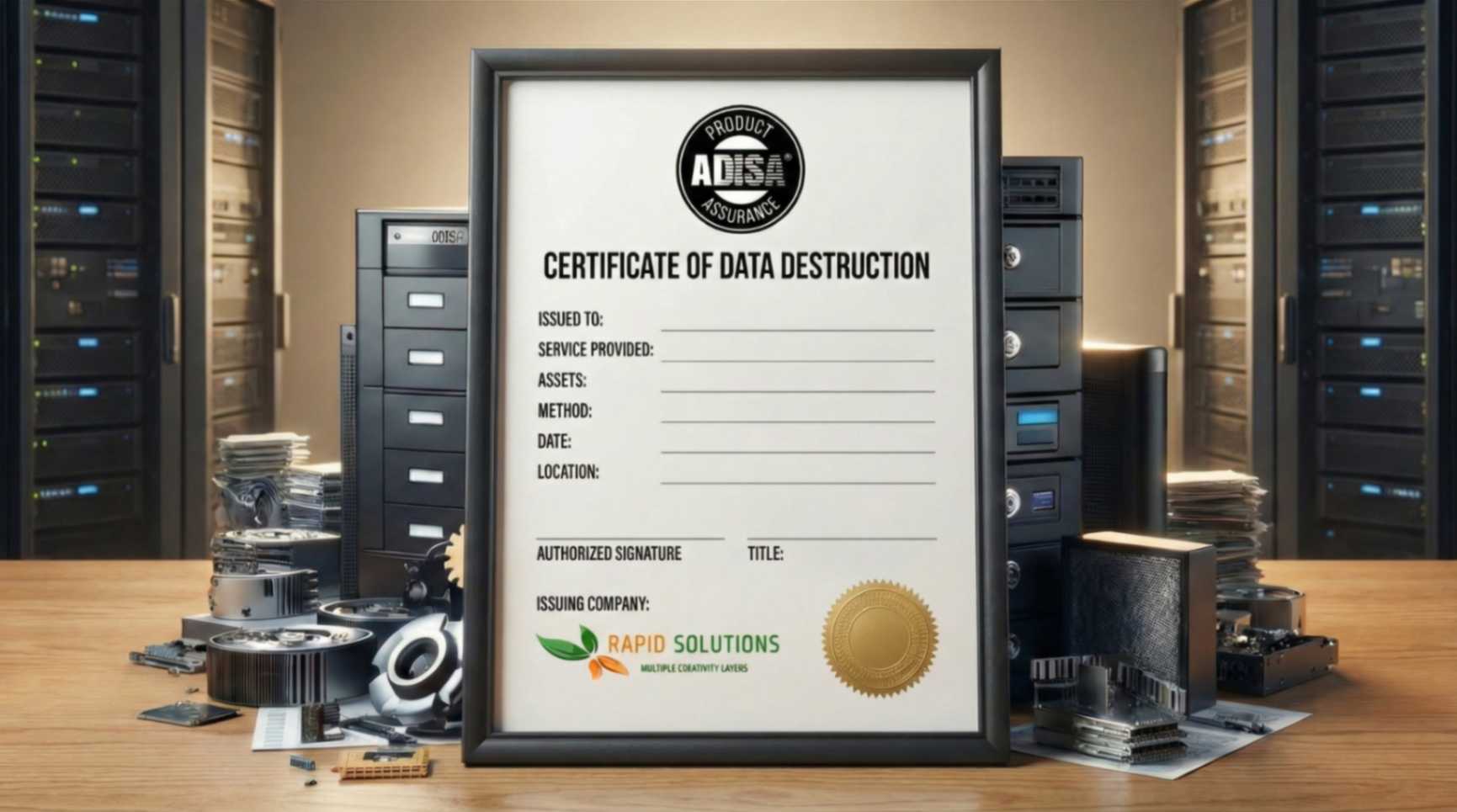
Data Destruction Certificate
After the process is completed, the company receives documentation confirming what assets were processed, which method was used, and when the data destruction was completed. This provides proof that the information was handled securely.
Responsible Recycling
After data removal, equipment can move to the next stage based on its condition. Some devices may be reused, refurbished, remarketed, or recycled through approved channels.
Rapid Solutions International supports companies with secure ITAD, data destruction, and electronics recycling solutions, helping organizations protect their data while managing retired IT equipment responsibly.
Common Mistakes When Preparing Old Hard Drives For Recycling
Many data security problems happen because of simple mistakes. Avoid these common issues:
Only deleting files: Deleting files does not guarantee data removal.
Forgetting external drives: USB hard drives and backup devices also store sensitive information.
Removing the hard drive without wiping it: Taking the drive out of a laptop does not remove the stored data.
Using the wrong wiping method: Different storage types require different approaches.
Not keeping records: Businesses should maintain proof of sanitization for compliance purposes.
Why Professional Data Destruction Services Are Recommended For Companies
Companies usually manage hundreds or thousands of retired devices. Handling this internally can create operational and compliance challenges.
Professional ITAD services provide:
Secure chain of custody
Asset reporting
Data destruction certificates
Environmental compliance
Responsible recycling
The main benefit is control. Every device has a documented journey from collection to final processing.
Final Words
Knowing How Do I Wipe My Old Hard Drive before Recycling helps prevent unnecessary data exposure and protects personal and business information.
Deleting files or formatting a drive is not always enough. A secure process requires the right sanitization method, verification, and proper documentation.
For individuals, secure wiping software can help prepare old devices for recycling. For companies managing large numbers of assets, a professional ITAD partner provides better control, compliance support, and proof of responsible handling.
FAQs
How Do I Know If My Hard Drive Was Completely Wiped?
A successful wipe should include verification results or a sanitization report. Professional data destruction providers normally provide documentation confirming the process.
Can Deleted Files Be Recovered After A Hard Drive Is Wiped?
A properly performed secure wipe makes normal recovery methods ineffective. The level of protection depends on the wiping method and the sensitivity of the information.
Do I Need To Wipe An Old Laptop Before Recycling It?
Yes. Laptops contain storage drives that may include personal or business information. Always remove or securely wipe the storage device before recycling.

Ask an Expert
Call us 24/7 or submit the form below to speak with one of our specialists.
All fields required
_result_result.webp)
.png)