Methods of Data Destruction
Ensuring Digital Security: An Overview of Data Destruction Methods
Whether personal data, corporate intellectual properties, or regulated information, the way we dispose of them has a loud impact. Effective data destruction failures will, therefore, result in financial losses, reputation damages and legal consequences against the organization that result from unauthorized access and misuse of data.
our services: hard drive shredding services
Other articles: How do you dispose of data under GDPR?
In this article, we break down the most common data destruction methods, explain how each one works, and help you choose the right approach based on your data type, storage media, and required security level.
What Are the Different Methods of Data Destruction?
In this follow-up, we will come to know about some methods of data destruction, then we can learn what consequences it will be for us if these methods are not adopted!
Understanding the intricacies of secure data destruction methods allows organizations to make informed decisions that align with their security policies.
our services: hard drive degaussing service
1. Physical Destruction
Physical destruction ensures that the data is unrecoverable 100%. Also, it changes the storage media physically in such a way as to make the data irrecoverable for further use.
◾ Shredding: This is to destroy electronic media. It cuts through them into small fragments.This is suitable for organizations that handle a large volume of data and need to destroy it efficiently. It’s popular because it’s fast and handles large volumes. It’s often used for end-of-life drives where reuse is not needed.
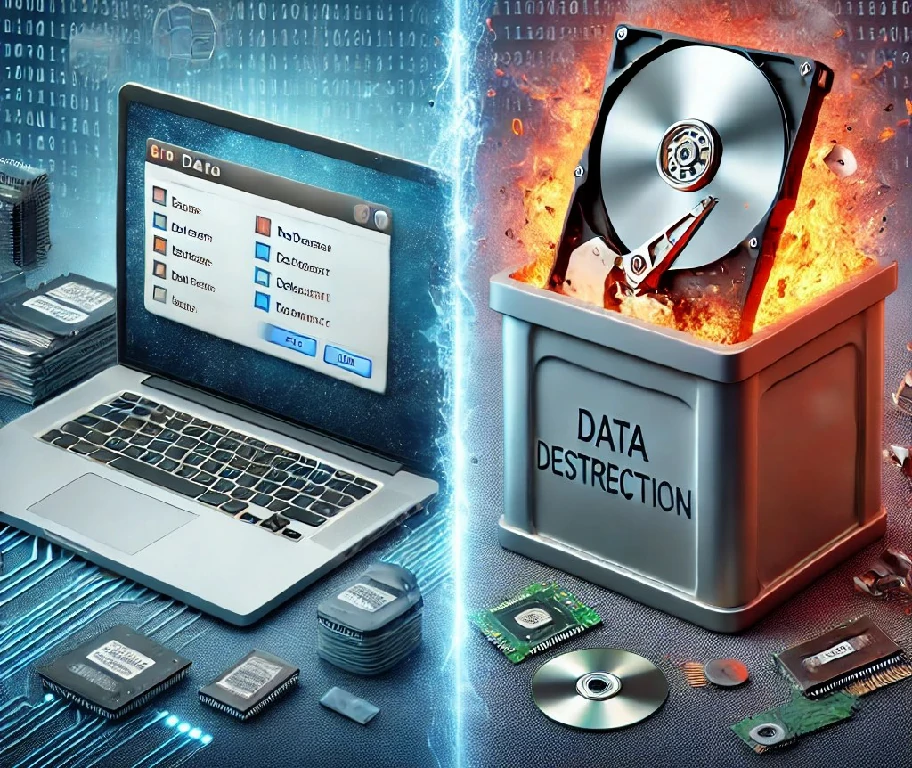
read more: data deletion vs. data destruction
◾ Crushing / Punching:
A press or punch bends and breaks key parts inside the drive. It’s quicker than shredding, but it must hit the right areas. If it only damages the outside, data can still survive in untouched sections.
Disintegration / Pulverizing: These grind devices into very small pieces, sometimes close to “dust-like” particles. They’re used when the security requirement is higher than normal shredding.
◾ Incineration: High-temperature burning destroys the device completely, but it needs special facilities to handle it safely and in an eco-friendly way.
read more: hardware destruction
Why is physical destruction deemed to be a fail-safe method for data destruction?
Physical destruction is essential since all data storage devices are thoroughly smashed, and thus, chances of data recovery are reduced to zero. The method is conclusive in such a way that either the media is broken down physically into bits or burnt down to ashes, making the means to reconstruct or retrieve data far-fetched.
If physical destruction is not done precisely, some parts of the storage device will still remain viable enough so as to be recoverable.
See also: data destruction process
2. Degaussing
The process involves the use of a high-power magnet, which interferes with the magnetic field of storage media to effectively erase the data. The degaussing technique works well with both magnetic tapes and hard disk drives but renders the media useless after use. Always ensure the degausser is powerful enough for the media type being used. This is as older or weaker degaussers might not ensure a complete elimination of data from the media if the storage device is newer.
See also: What is a certificate of data destruction?
Why is degaussing considered an important way of protecting data for certain types of storage?
When done to its maximum limit, the scrambling of the fields makes data unreadable and therefore irrecoverable.
Moreover, after degaussing, the drive usually becomes useless. You can’t reliably reuse it. If degaussing has been done incompletely or improperly, then the recovery of the data is probable. Consequences include data leakage, personal and corporate security violation, and non-compliance with data protection regulations.
Note: degaussing is not meant for SSDs, NVMe, USB flash, or other flash storage. They don’t store data magnetically.
Read More: Degaussing vs. Shredding
3. Overwrite
Overwriting is a process in which the new data is written onto the old data, usually more than once, to prevent recovery of the old data. This should facilitate the reuse of storage media and be friendlier to the environment than physical destruction. So, you can choose this method of data destruction when you want to reuse, resell, or donate devices. Moreover, it can be done onsite or offsite depending on your process
◾ Software Tools: There are quite a number of software tools that adhere to a standard set, as dictated by the Department of Defense (DoD) or the National Institute of Standards and Technology (NIST), on purging data.
Why is overwriting a preferred method for organizations intending to reuse their storage devices?
Overwriting is the process of replacing old data with new, usually random data many times, making the recovery of original data almost impossible. This makes reusing the storage device possible, therefore reducing electronic waste from such devices and availing an economical solution for organizations.
read more: what metals are in a hard drive

4. Secure Erase / Block Erase
These are built-in erase commands supported by many modern drives, especially SSDs. Instead of doing multiple overwrite passes, the drive runs its own internal sanitization process. This is often faster and more suitable for flash storage. Secure Erase (ATA/NVMe) and Block Erase are common choices in professional workflows because they are designed around how the device actually stores data.
Still, the method alone isn’t enough—verification matters. If you can’t confirm the erase happened properly, you’re guessing.
Why are Secure Erase and Block Erase considered effective data destruction methods?
Because it tells the drive to clean itself from the inside, using its own firmware. It's a good option for SSDs, because SSDs don’t store data in a simple “one place” way. So, a normal overwrite might not touch every spot the same way.
Erasing clears hidden parts of the drive that your computer can’t reach. It also runs faster than multiple overwrite passes. You remove the data and still keep the device usable. This helps save money and reduces e-waste compared to physical destruction.
read more: shredding vs. degaussing for secure data destruction
5. Cryptographic Wiping
Cryptographic wiping is the method of encrypting data and destroying the keys used in the encryption. This could be very effective if data is required to be destroyed on an immediate and regular basis in an environment like cloud storage.The advantage is mainly that, by doing so, the data would become irretrievable without necessarily destroying the storage medium, leaving the device still usable.
What makes cryptographic wiping an efficient method for data destruction in modern IT environments?
Cryptographic wiping ensures that the data is secure. It is easy for the encryption key to be destroyed, whereby the data becomes accessible, bringing data destruction without the necessity of physical damage to the storage media. This would be perfect for instances such as cloud computing, where data may be required to be securely wiped without affecting its physical infrastructure.
If the encryption keys are not securely managed or destroyed, then the encrypted data will remain exposed for recovery. Mishandling the exposure of keys undermines the very purpose of encryption and leads to potential data breaches and failure of compliance.
6. Chemical Destruction
This is a less common approach to the destruction of data. Chemically, the acids and bases have been used to damage the storage media physically. It must be handled with extreme care due to the hazardous nature of the chemicals involved. The environmental and health risks linked to chemical destruction are so large that one needs to be professionally very strictly controlled.
Other articles: Data Deletion vs. Data Destruction
Why do we say that chemical destruction is a specialized data destruction method?
Chemical destruction is an operation involving destructive items, such as the use of corrosive substances to commit physical harm to storage media beyond recovery. It is conducted when there is no other valid option or when additional depth of damage to the information is needed. In this way, this technique would guarantee complete corrosion of the physical parts of the storage media, thus preventing any kind of data retrieval. Improper handling of the chemicals in the course of the process will warrant serious health and environmental risks. In addition, unmonitored process parts of the media may survive the destruction, risking unauthorized data recovery. All such give rise to special handling and disposal, furthering additional compliance and safety requirements.
7. Paper Record Destruction (Often forgotten)
Data isn’t only on drives. Paper can be a serious risk too. Shredding is the standard method for most documents. For more sensitive records, pulping/maceration is used to turn paper into pulp, and incineration may be used in licensed facilities for high-security disposal.
Choosing the Right Method of Data Destruction for Your Needs
Choose the secure data destruction method to balance security, cost, and environmental impact. You can use shredding or degaussing for highly sensitive data. Moreover, other methods such as software overwriting are used for less critical data to keep costs lower.
Before choosing the secure data destruction method,you must review your security needs, compliance rules, and sustainability goals before you decide. Rapid Solutions guides businesses to pick the right approach and meet both security standards and environmental best practices.
Conclusion
The choice of data destruction methods will depend on the sensitivity of the information and other considerations. the sensitivity of information, environmental considerations, or reusability of the media used in storing the data. Against this background, understanding the strengths and limitations of each method will enable organizations to operationalize data protection strategies that are effective within the context of security needs and regulatory obligations.
FAQs
1. Do I Need to Back Up Anything Before Destroying or Erasing a Device?
Yes. Once you erase or destroy media properly, you should assume the data is gone for good. Always confirm backups (and test them) before you start.
2. Can I Erase a Drive That’s Not Working or Can’t Be Detected?
Usually no. If the drive can’t be read by a system, software erasure often can’t run. In that case, physical destruction is typically the practical route.
3. Should I Remove Hard Drives From Laptops and Servers Before Shredding or Crushing?
It depends on your process and equipment. Many organizations remove drives to control chain of custody and speed up processing, but some shredders are designed to handle whole devices.

Ask an Expert
Call us 24/7 or submit the form below to speak with one of our specialists.
All fields required