how to physically destroy a hard drive
Absolute Erasure: A Comprehensive Guide to Physically Destroying Hard Drives
Old hard drives can hold more data than people expect. Even after deleting files, important information can still remain inside the device. This includes emails, login details, financial data, and company records.
For this reason, many people choose to destroy hard drive physically instead of relying only on software. When done correctly, this method makes sure the data cannot be recovered at all.
If you want a deeper look at secure handling methods, you can also read about data destruction solutions, which explain how professional services manage this process safely.
More read: 7 Leading Data Security Technologies You Should Know
Why Physical Destruction Is Important
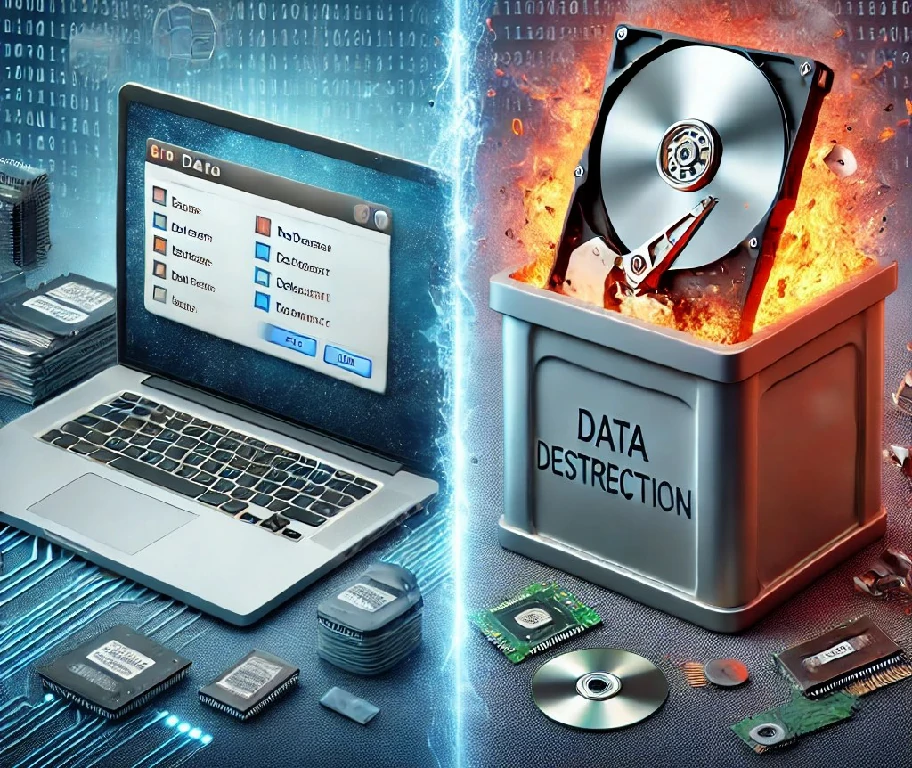
Deleting files or formatting a drive does not fully remove data. It only hides it from normal access. With the right tools, that data can still be recovered.
Physical destruction removes this risk completely. It damages the parts of the drive that store data, especially the platters. Once these are broken, the data is gone for good.
Standards like NIST SP 800-88 recommend physical destruction when dealing with sensitive or confidential data.
read more: do hdds degrade over time
How to physically destroy a hard drive?
There are different ways to destroy a hard drive. Each method works, but the right choice depends on how much security you need.
Common ways to do this include:
1 . Industrial Shredding:
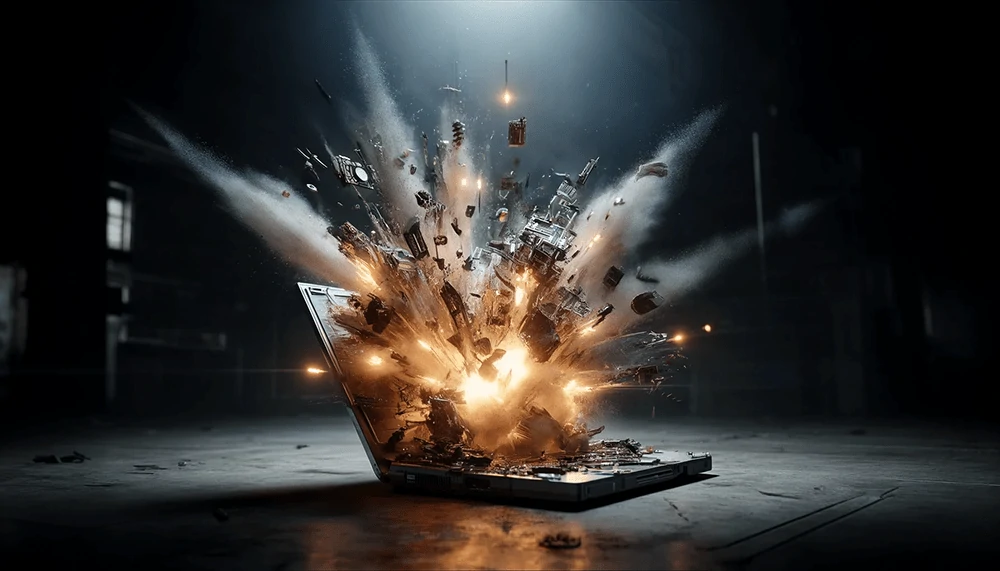
One effective way to destroy hard disk data is through industrial hard drive shredding, which pulverizes the drive into tiny pieces. This method employs specialised, high-powered shredders designed to pulverise electronic media into minuscule particles, often resembling confetti.
This process effectively disrupts the internal components of the hard drive, including the platters, actuator arm and chassis rendering the data unrecoverable. Shredding is a preferred choice for large organisations and data destruction service providers who handle bulk volumes of storage devices. However it necessitates access to expensive, heavy-duty machinery.
read more: hardware destruction
2. Mechanical Crushing:
This technique utilizes a dedicated mechanical punch or press to deform and fracture the platters within the hard drive, where the data resides. Crushing also damages the spindle, internal mechanics, and casing, guaranteeing the data's inaccessibility.
Compared to shredding, crushing can be implemented on a smaller scale, making it suitable for both enterprises and smaller businesses that handle sensitive data. Portable crushers are available for on-site destruction, offering greater flexibility.
3. Drilling or Hammering:
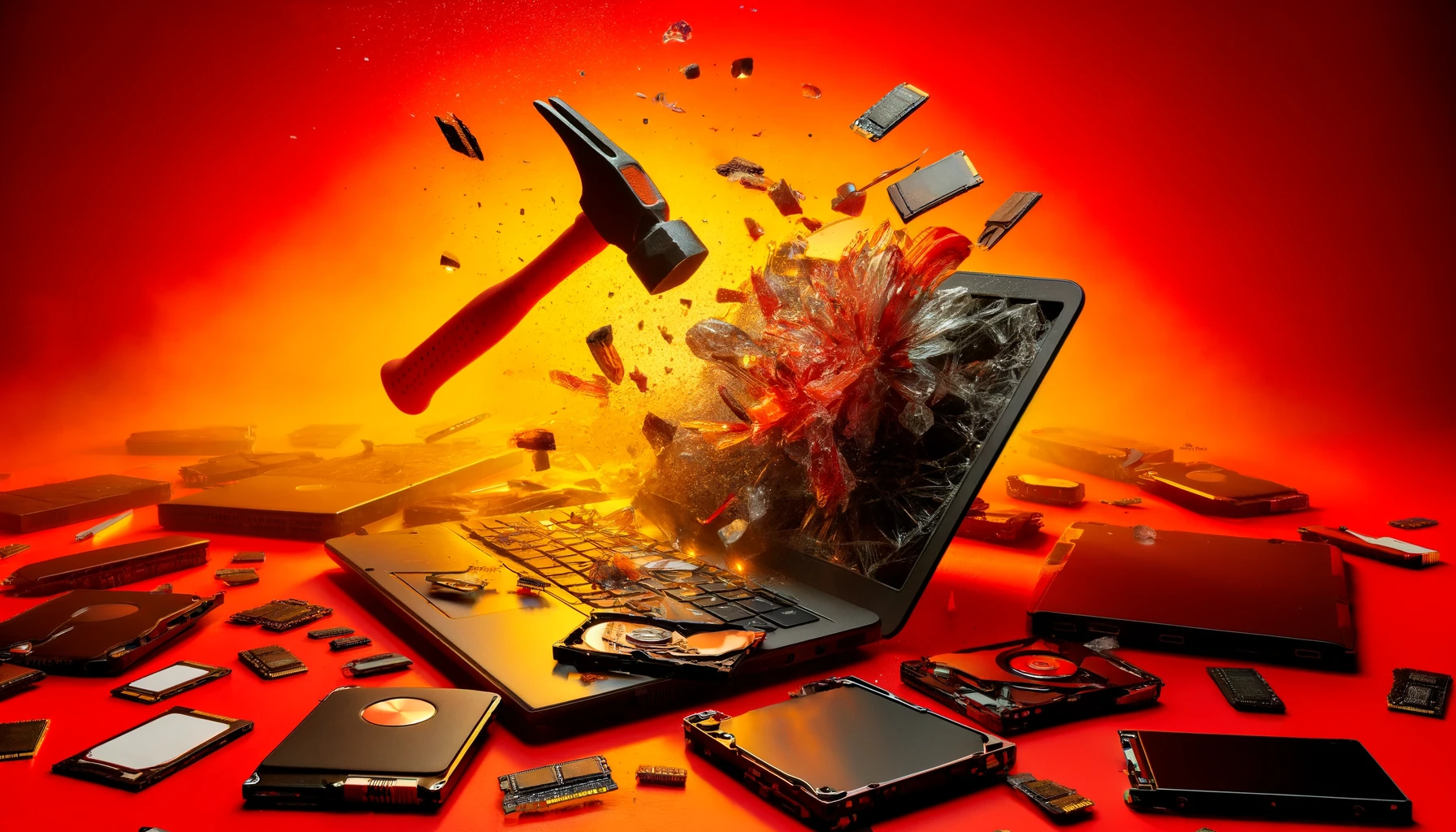
Process: This method involves physically damaging the hard drive platters, where data resides, using a drill to create holes or a hammer for blunt force trauma.
Suitability: This readily available approach is suitable for individuals or small businesses with infrequent hard drive destruction needs.
Considerations: While effective, it can be labor-intensive and requires ensuring comprehensive damage across all data-bearing surfaces.
Other articles: secure hdd disposal hard drive destruction
4. Degaussing:
Process: Degaussing utilizes a powerful magnet to disrupt the magnetic fields, storing data on the drive and essentially wiping it clean.
Application: This method is favored by organizations that must destroy data without physical harm to the drive, potentially enabling component recycling.
Considerations: Degaussers are expensive and require proper maintenance for optimal functionality. Additionally, degaussed drives are typically rendered inoperable due to the erasure of servo tracks.
read more: what metals are in a hard drive
5. Incineration:
Process: Incineration exposes the hard drive to extreme temperatures, causing its metal and plastic components to melt or vaporize entirely.
Implementation: Specialised facilities handle incineration under controlled conditions, minimizing environmental impact.
Considerations: While incineration guarantees destruction, it necessitates professional handling to manage toxic fumes and comply with environmental regulations.
6. Chemical Destruction:
Process: This method employs strong acids or other corrosive chemicals to dissolve or inflict severe damage on the hard drive's platters and other components.
Usage: Less common than other methods, specialized services typically use chemical destruction to handle and dispose of hazardous materials safely.
Considerations: Chemical destruction poses safety risks without proper protocols and disposal procedures. The environmental impact of utilizing chemicals must also be considered.
Other articles: Hardware Security Data Guide
Best Way to Destroy Hard Drive Physically
The best method depends on your needs.
For large volumes → Industrial shredding
For on-site work → Crushing
For personal use → Drilling or hammering
If you are handling business data, professional shredding is usually the safest option. It also provides proper documentation.
When people ask about the best way to destroy an old hard drive, the key point is simple: the data storage parts must be completely damaged.
Safety in Physically Destroying a Hard Drive
When considering how to destroy hard disk, it's crucial to follow safety protocols, such as wearing protective gear and ensuring proper ventilation. Always wear appropriate protective gear and operate in well-ventilated or controlled environments to effectively manage physical and chemical hazards.
read more: hard drive wiping service
Verification for Enhanced Security
After destruction, it's important to verify that the steps taken have indeed permanently destroyed the hard drive to avoid potential data recovery. Following the destruction process, inspecting the drive remnants or employing a third-party verification service can provide additional assurance that data has been irretrievably eliminated. This is particularly crucial for highly sensitive data to prevent potential data breaches.
Physically destroying a hard drive is a critical step in the data lifecycle, particularly when dealing with highly sensitive or confidential information. As explored, multiple methods exist, each with its advantages and suitability depending on security needs and resources.
Responsible execution is paramount. Following proper safety protocols and environmental guidelines is crucial not only for personal safety but also for compliance with legal and ethical standards. Additionally, verifying the destruction process through audits or third-party checks can provide further assurance that the data is completely destroyed.
Other articles: Policy and Laws Around E-Waste
Embracing these practices not only protects you from potential data breaches but also builds trust with clients and stakeholders who value privacy and security. As technology advances and data becomes ever more critical, secure disposal of data-bearing devices transcends a technical requirement; it's a cornerstone of modern digital responsibility.
As technology advances and data becomes ever more critical, secure disposal of data-bearing devices transcends a technical requirement; it's a cornerstone of modern digital responsibility. To physically destroy hard drive safely and securely, ensure compliance with environmental and safety regulations.
Best Practices for Secure Hard Drive Disposal
While physically destroying a hard drive is an effective method to ensure data security, it is essential to adopt safe and compliant practices. Using certified tools like industrial shredders or degaussers ensures complete data elimination while aligning with environmental and regulatory standards. Rapid Solutions emphasizes responsible hard drive destruction methods that not only safeguard sensitive information but also prioritize eco-friendly disposal. Partnering with certified services minimizes risks and guarantees that your data is handled with the utmost care and professionalism.
Conclusion
Destroying a hard drive physically is one of the safest ways to protect data. It removes any chance of recovery and reduces the risk of data leaks. The method you choose depends on your situation, but the goal is always the same: make sure the data is gone permanently.
FAQs
1. How Long Does Professional Hard Drive Destruction Take?
It depends on the number of devices. Small batches can be done the same day, while large projects may take longer due to logistics and verification steps.
2. Can SSDs be Destroyed Using the Same Methods?
Some methods work, but SSDs store data differently. Shredding and crushing are usually more effective than drilling for SSDs.
3. What Should I Do with the Remains after Destruction?
The remains should be sent to certified recycling facilities to ensure proper environmental handling and compliance.

Ask an Expert
Call us 24/7 or submit the form below to speak with one of our specialists.
All fields required